

Install PL Cares
Follow this process for downloading and installing PL Cares on your phone.
1. Install PL Cares App on your phone
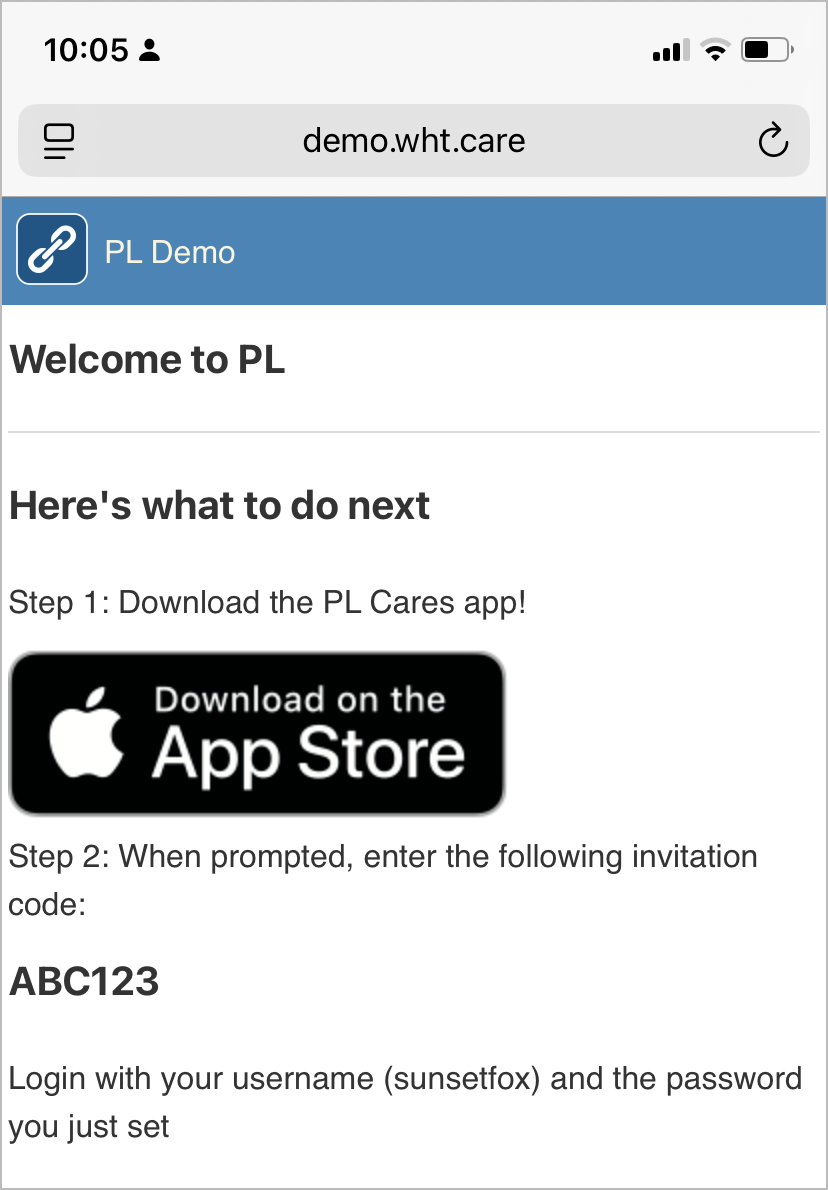
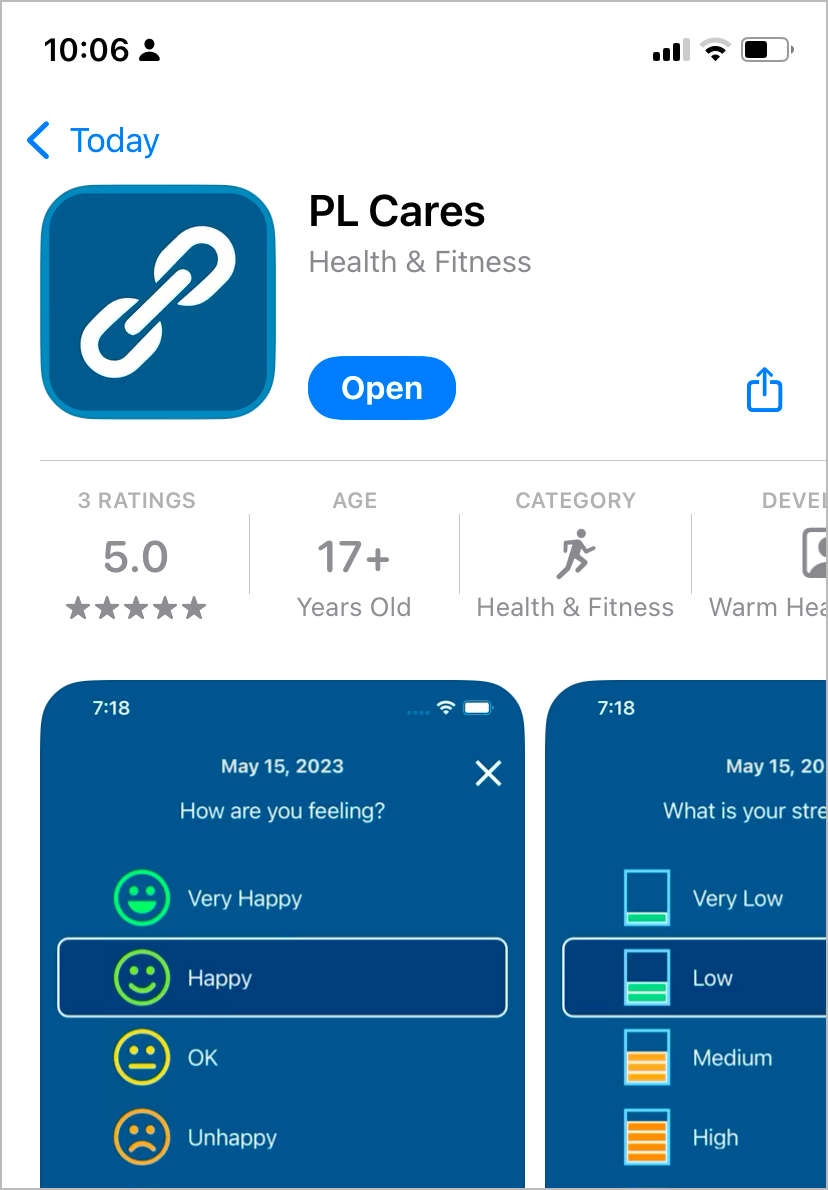
Depending on your phone type, you will see a link to the appropriate store to download and install PL Cares. Tap the link to go to the store, then tap open or install to download and install PL Cares. This example shows screenshots from an iPhone.
2. Enter your Invite Code
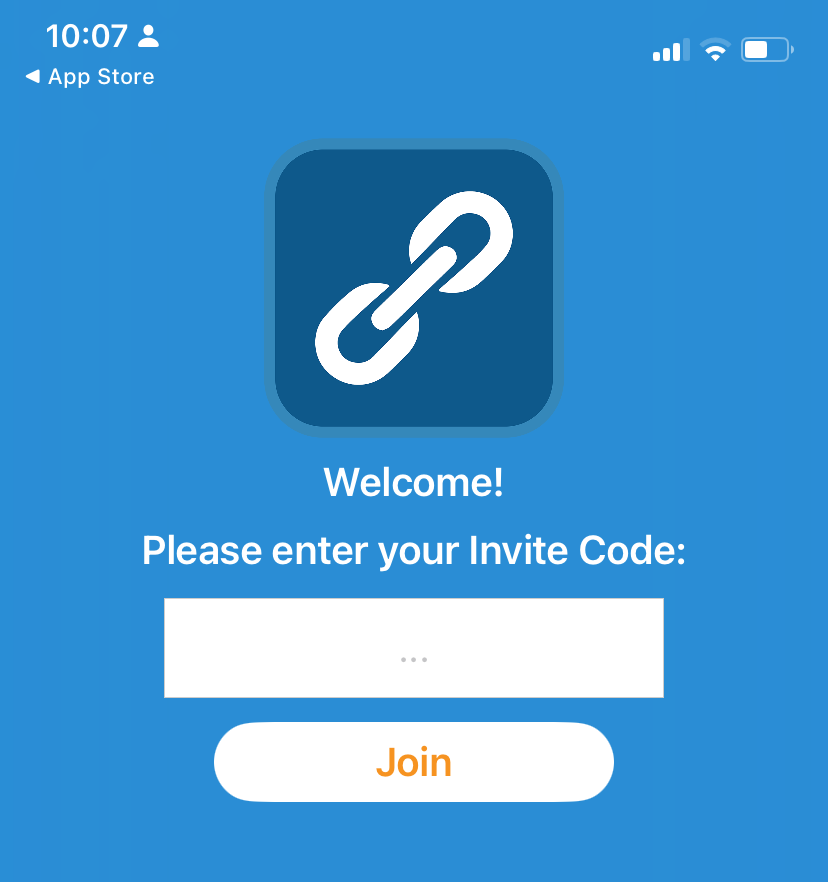
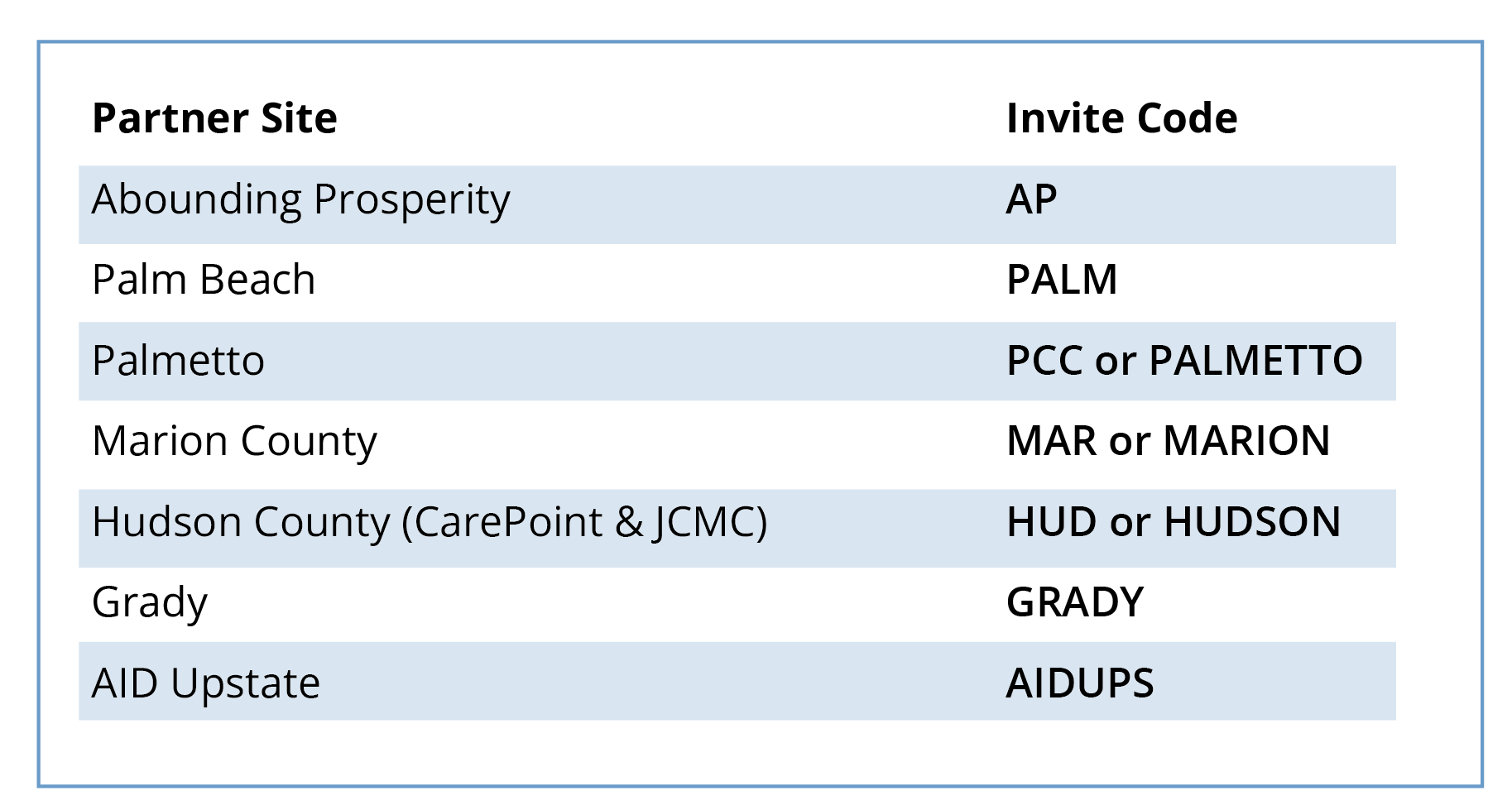
The Invite Code makes sure you are in the correct cohort in PL Cares. Enter your Invite Code. You only have to enter this when installing or reinstalling PL Cares. WHT partner site Invite Codes are shown below.
Next step, Sign-In to PL Cares