

Sign-In to PL Cares
Follow this process for signing-in to PL Cares for the first time.
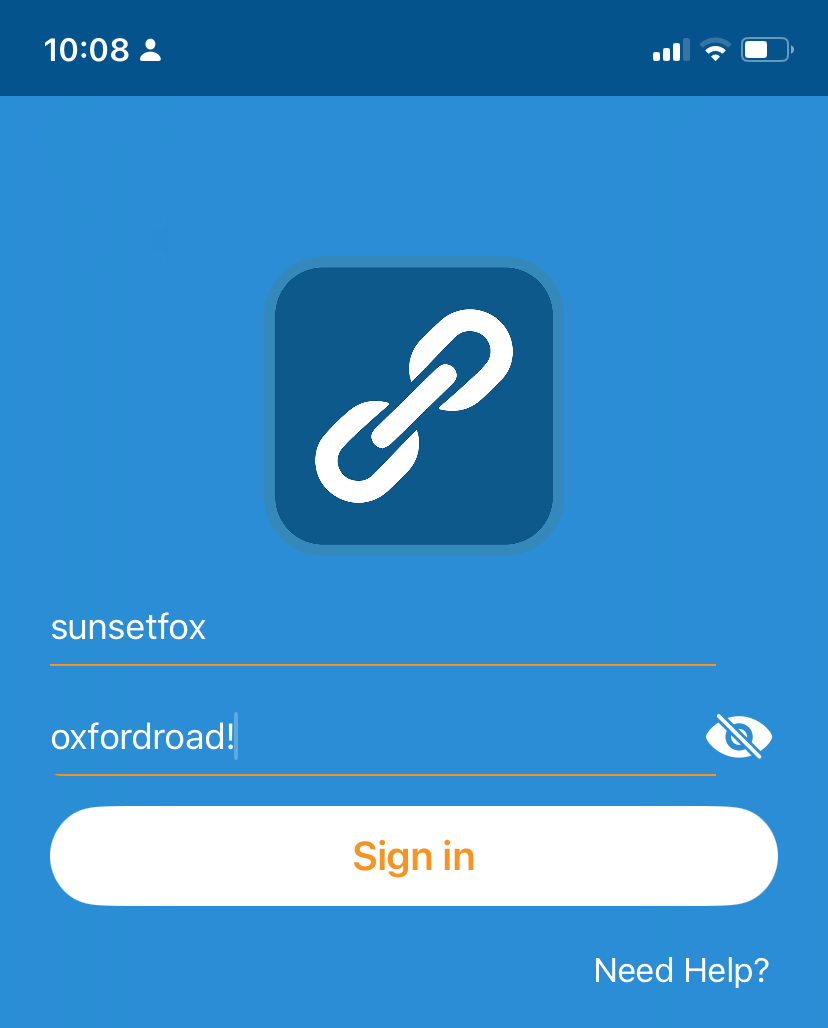
1. Signing-In to PL Cares
From the sign-in screen, enter the Username and Password that you selected when you set up your PL Cares account.
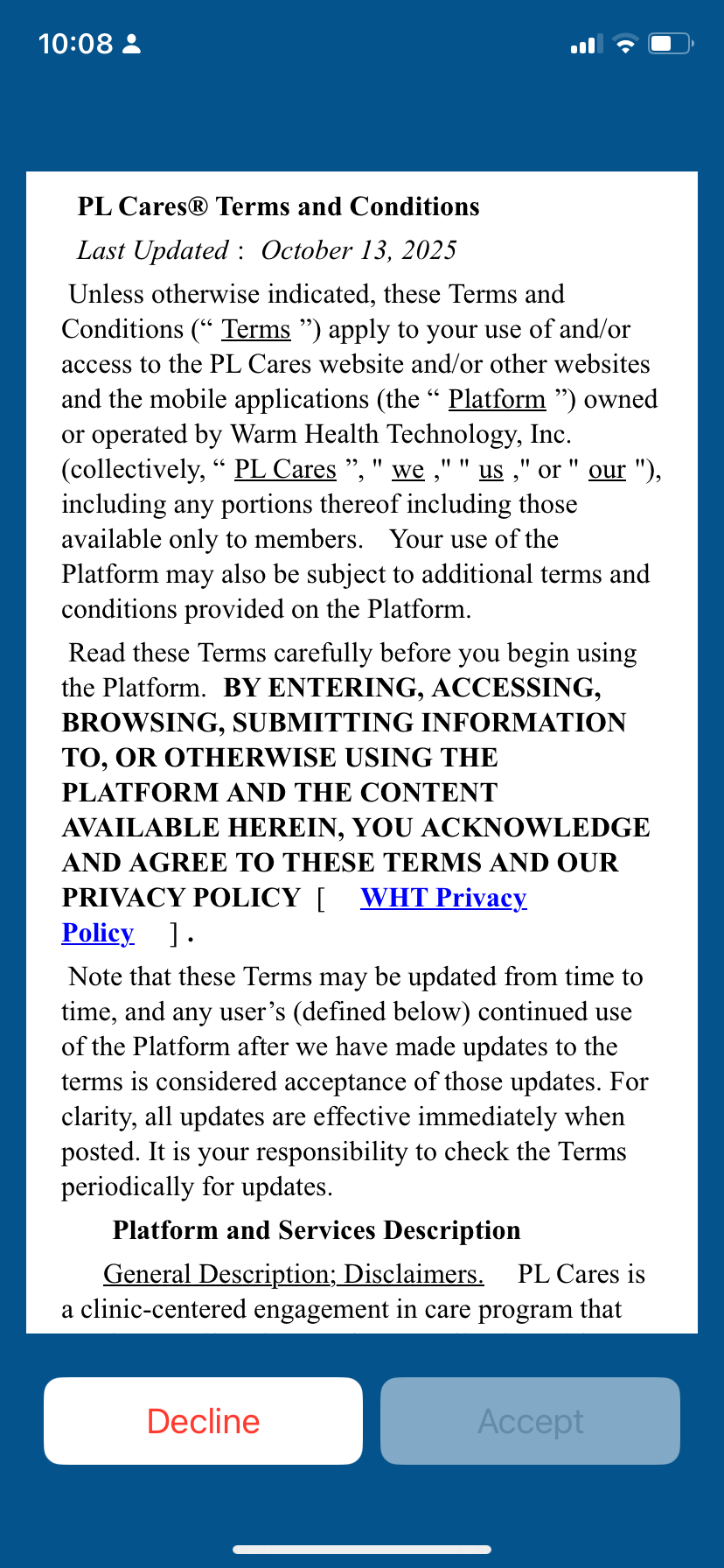
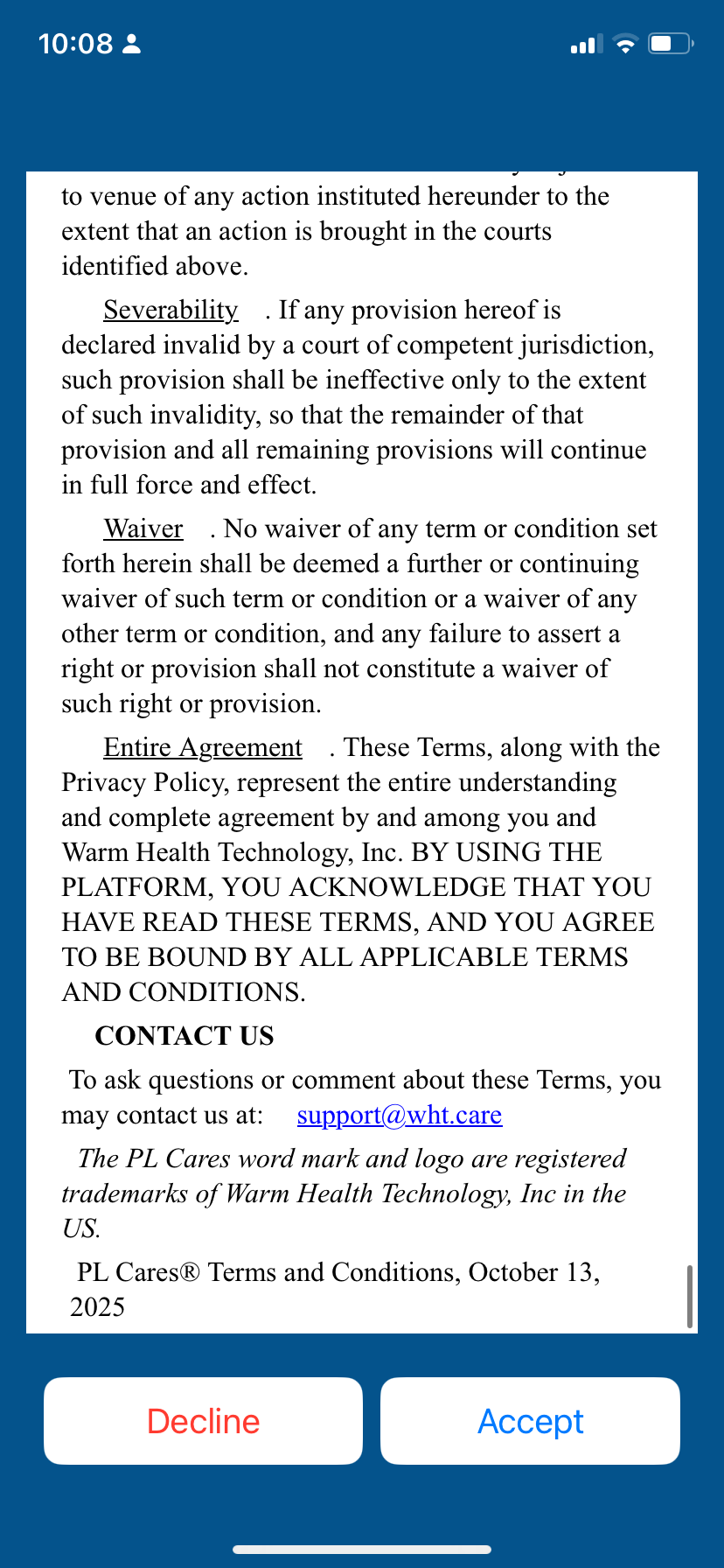
2. Read and Accept PL Cares Terms and Conditions
The first time you sign-in to PL Cares, a document with PL Cares terms and conditions will display. Scroll to see the whole document. Tap the Accept button to accept the terms and conditions.
3. Using PL Cares
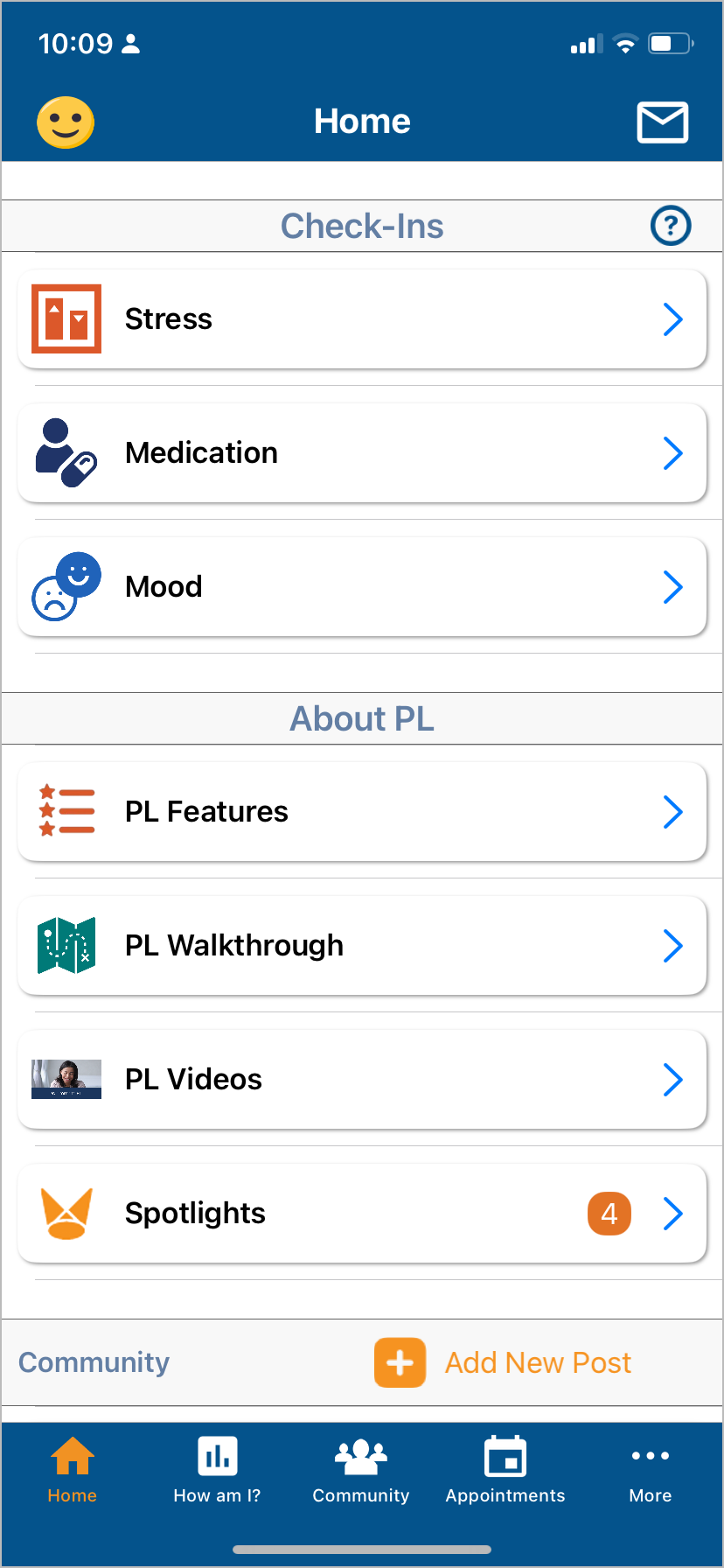
When you sign-in to PL Cares, you will be on the Home screen. From the Home screen, you can tap the Check-Ins cards to complete your Check-Ins.
Tap on the PL Features card found on the Home screen in the About PL section. The PL Features tool tells about all the PL features and gives a link to each feature.
Welcome to PL Cares!